Social media video production for businesses is planning and shooting short, less polished video built for platforms like Instagram and LinkedIn. One 2 to 3 hour shoot with a professional can produce around 10 posts.
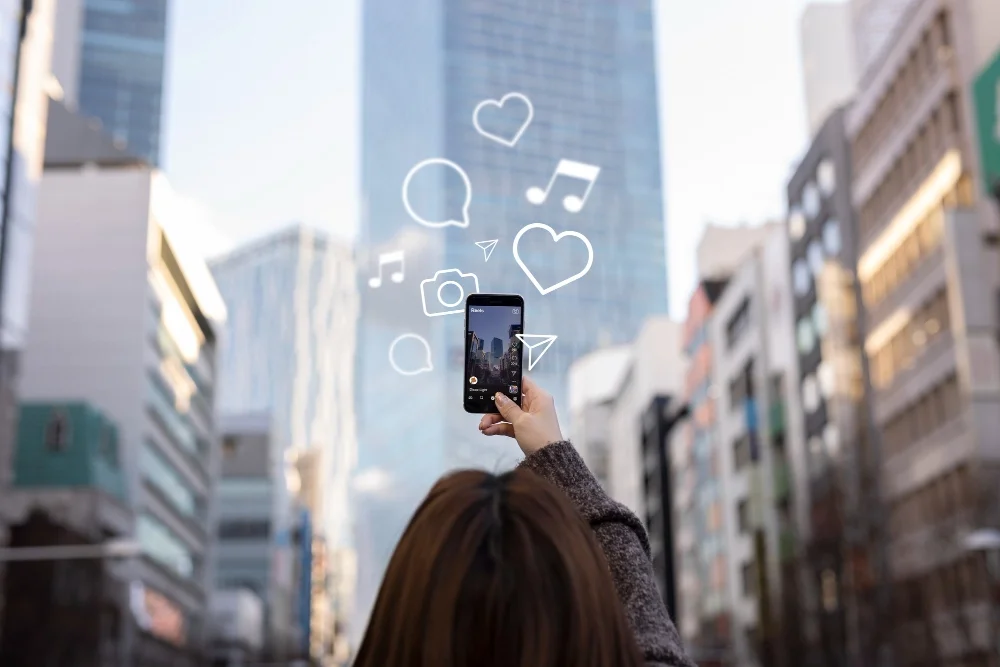
Social media video production for businesses is planning and shooting short, less polished video built for platforms like Instagram and LinkedIn, where one short shoot gets edited into a batch of posts. It is faster and cheaper than a traditional video project, and it still needs a plan.
I've been shooting commercial video in Chicago for about 30 years. Social work is the part of my business that has changed the most, so here is how I think about it and how I'd tell a business to approach it.
Why businesses hire out social media video
Business owners are busy. Marketing departments are busy. With social channels, there is usually a lot of talk and very little action. The other thing I see is creative people inside a company getting good ideas shut down before anything gets produced.
Hiring outside help gets it done faster and with less resistance. A set date on the calendar with a videographer showing up forces the decisions that have been sitting in a meeting for three months.
The hard part of social is the constant need for more. A feed is never finished. Plenty of companies have turned to AI-generated content to keep up, and viewers are pushing back on it. In a Clutch survey on AI in social media content, 53% of consumers said they were less likely to buy from brands they know use AI in their social posts. A Gartner consumer survey on AI-generated marketing found that 65% think brands are putting out too much of it.
People are tired of AI slop. Real footage of your real people and your real workspace is the easiest way to stand apart from it.
How social media video is different from traditional video
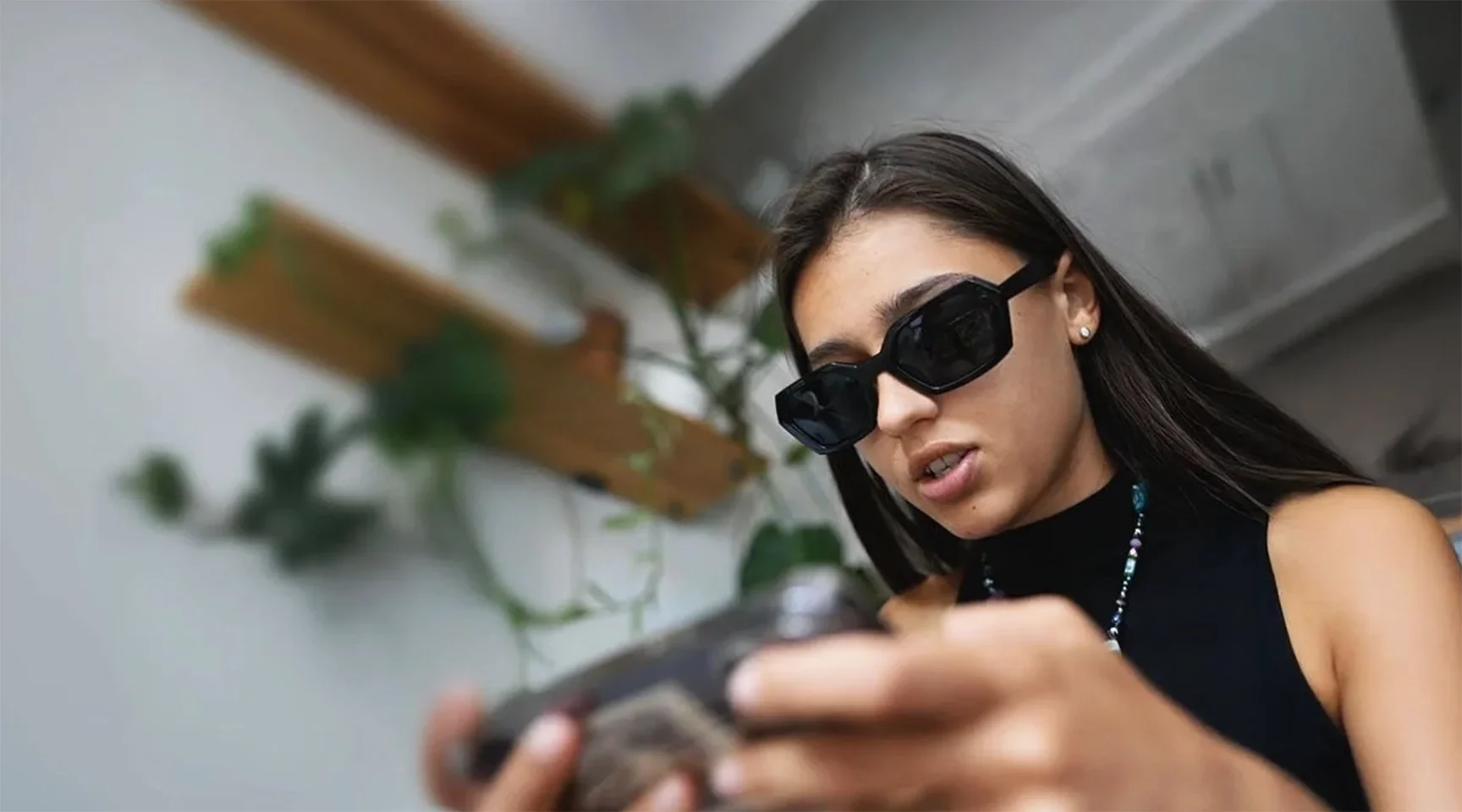
Social video is more raw and less produced than a traditional project. A small crew, often one person with one camera, is normal. The shelf life is short. A post has a few days of attention and then it's gone.
That changes how much polish makes sense. Someone scrolling on a phone is going to give your post a second or two. They are not going to pick it apart.
A real example: 10 posts from a 2 hour shoot
I did a job for a local restaurant that needed visual help. I brought one camera, shot for two hours, and came away with a lot of clips. Those clips became 10 social posts.
Traffic to their site went up by a measurable amount.
They are an excellent example of doing it right. They hired someone, gave me creative freedom, and didn't analyze every single post before it went up. Don’t overthink it, just post it.
The mistake: thinking social video doesn't need planning
Because social video looks casual, businesses assume they can skip the planning. I hear "just show up and we'll see what we can capture" more than I'd like.
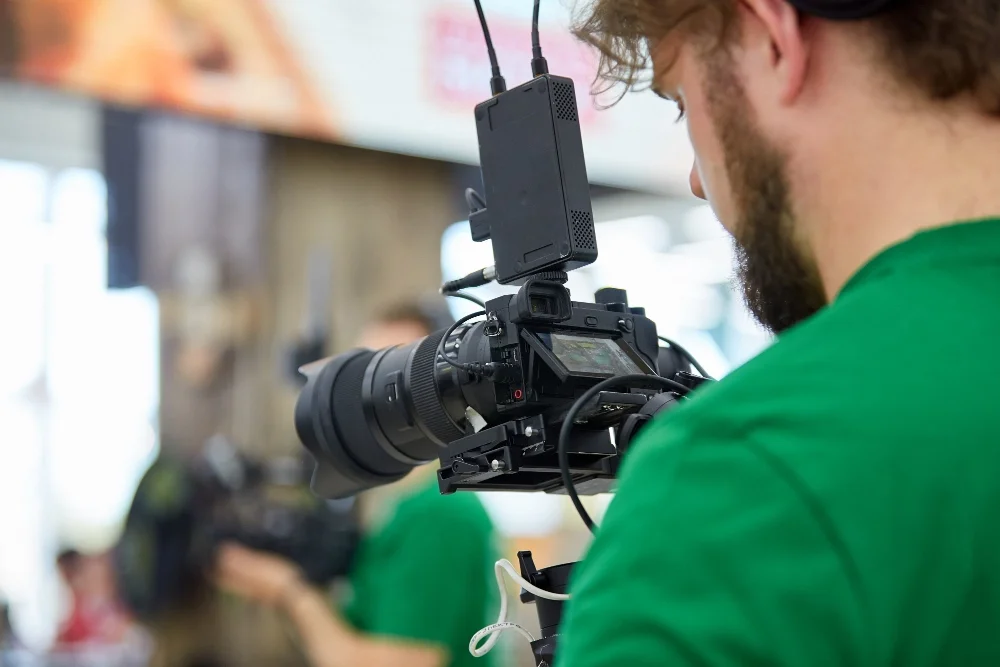
It doesn't work. Social posts need as much planning as any other video project. Before the shoot you still need to:
List every shot you want
Write down the action
Prep anyone who will be on camera so they know what they're doing
The planning is the same work I describe in my guide on how to make a video for marketing. The shoot is shorter, and the prep is what makes a short shoot possible.
Tips for a social media video shoot with a professional
Plan the hook before the shoot
The first second or two decides whether someone keeps watching. Figure out your hooks ahead of time so we can capture whatever each one needs while the camera is there. Trying to invent a hook in the edit from footage that wasn't shot for it rarely works.

Capture real audio from your workspace
Record the actual sounds of the place. A kitchen, a shop floor, a busy front counter. That audio goes under the clips and makes them feel real. If you're recording people talking, sound quality counts for more than most people expect, which I cover in my post on using a professional microphone for marketing videos.
Shoot for thumbnails
Have the team grab shots meant for thumbnails. Get clean shots of the people in the video and the main subject matter. AI tools can assemble good thumbnails now, and they need good source images to do it.
Shoot vertical and horizontal
Different platforms want different shapes. Either shoot both ways, or shoot horizontal and make sure the video team knows every shot will also be cropped vertical. If they don't know, the important part of the frame ends up cut off.
Add a human voice
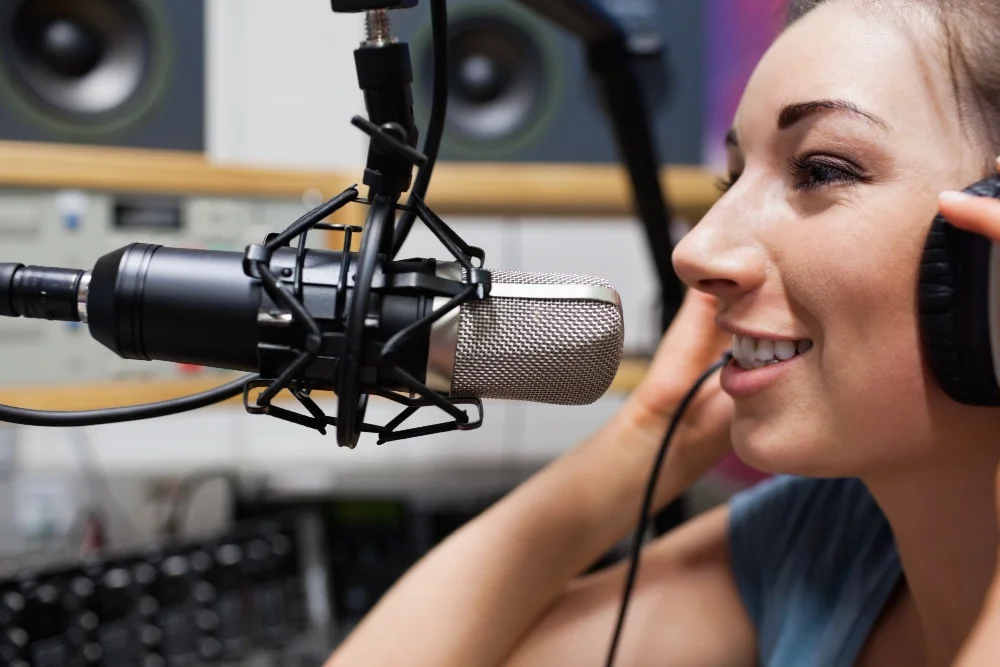
Consider using a human voiceover for part of the content. A real voice has more impact than text on screen alone, and far more than a synthetic one. For that I use human voiceover talent from Voice Dragons.
Keep it short and pick a lane
Keep each post short and simple, with a strong hook. My post on how long a marketing video should be gets into length by platform.
Then pick a lane for your content and stay in it. Funny and educational are both good lanes. So is content made purely to get people engaging with it. An account that tries to be all of them at once is hard to follow.
What working with Pierson Studios looks like
When someone calls me about social media video, we start by talking through the planning and the strategy. We also settle what the final product will look like before anyone picks up a camera.
From there I suggest:
A 2 to 3 hour window for the shoot
Roughly 2 to 3 hours of editing
AI is shortening the editing time, and it adds graphics much more easily than we could in the past. The tradeoff is that small adjustments are harder to make on an AI-assisted edit.
For social posts, I think small adjustments should be avoided anyway. Those tweaks won't change your views. No one will notice them. The time is better spent planning the next batch.
If you're still deciding who to hire, I wrote a separate guide on how to find a local videographer for your business.
Key Takeaways
- Social media video production is short, less polished video made for social platforms, with one shoot edited into many posts.
- Hiring outside help gets social video made faster and with less internal resistance.
- A 2 to 3 hour shoot plus 2 to 3 hours of editing can produce around 10 posts.
- Social posts need as much planning as any other video: a shot list, the action in each shot, and prepped participants.
- Plan hooks before the shoot, record real workspace audio, shoot for thumbnails, and frame for both vertical and horizontal.
- Skip the small tweaks. Social posts have a short shelf life and viewers won't notice them.